
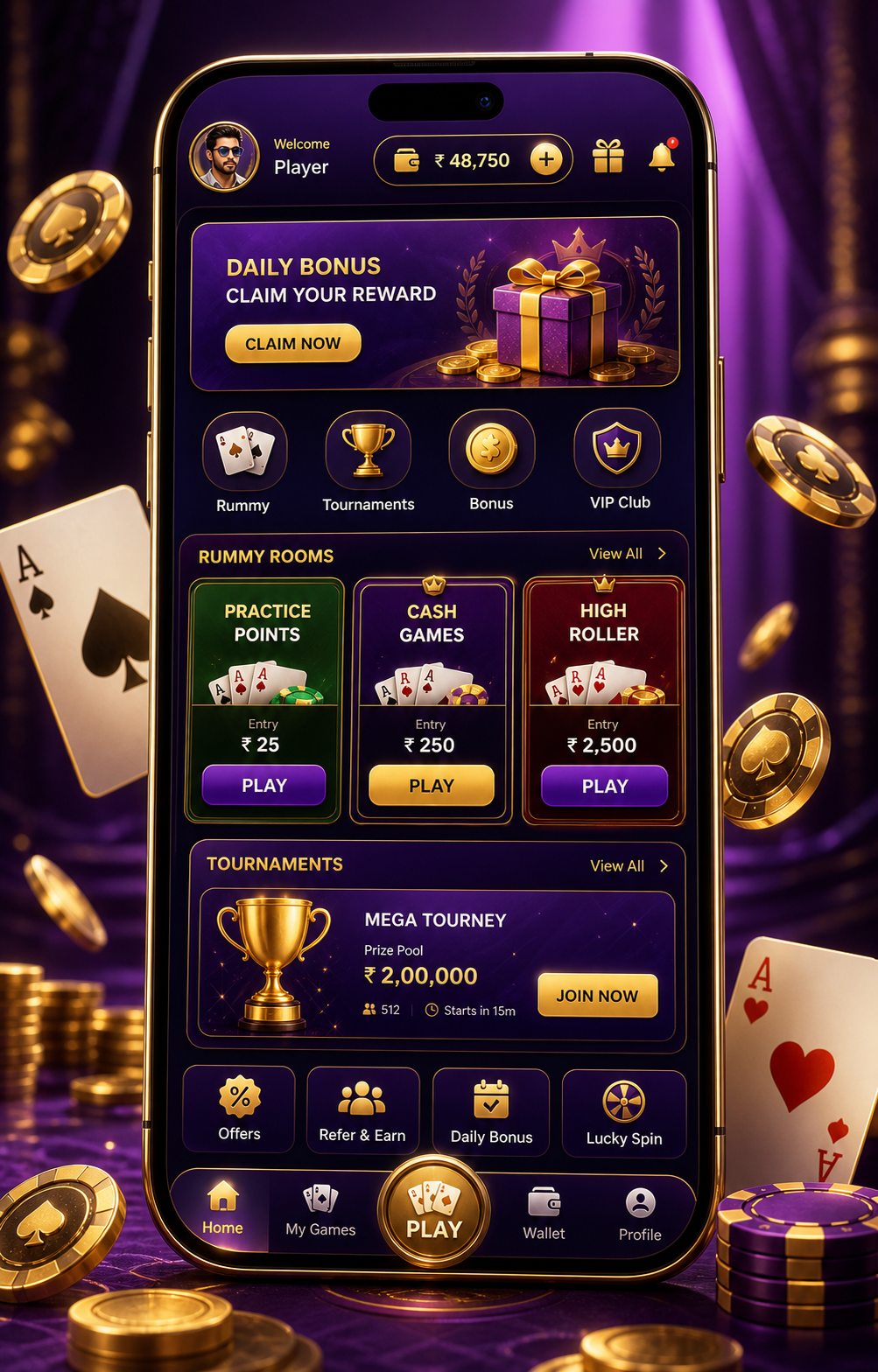
Four things to read first
Begin with the room name. A room label should be clear enough that you can explain it in a simple sentence. If you cannot, stop there. Next, look at card groups and discard areas. Do not let a glowing button become the main thing you see.
After that, check the timer or any changing prompt. Fast movement can create pressure, especially on mobile. Last, check your own limit for time, attention and money before the next tap.
When the screen changes
A room switch, a fresh card layout, a new timer or a login prompt should be treated as a new decision. Do not carry the mood of the previous screen into the next one.
- Read the room label from left to right.
- Separate cards, table prompt and menu items.
- Look for countdown pressure before action.
- Leave when the page feels hard to read calmly.
What this check cannot do
No screen habit can control card order or table outcomes. This check is only about attention, clarity and adult self-control.