
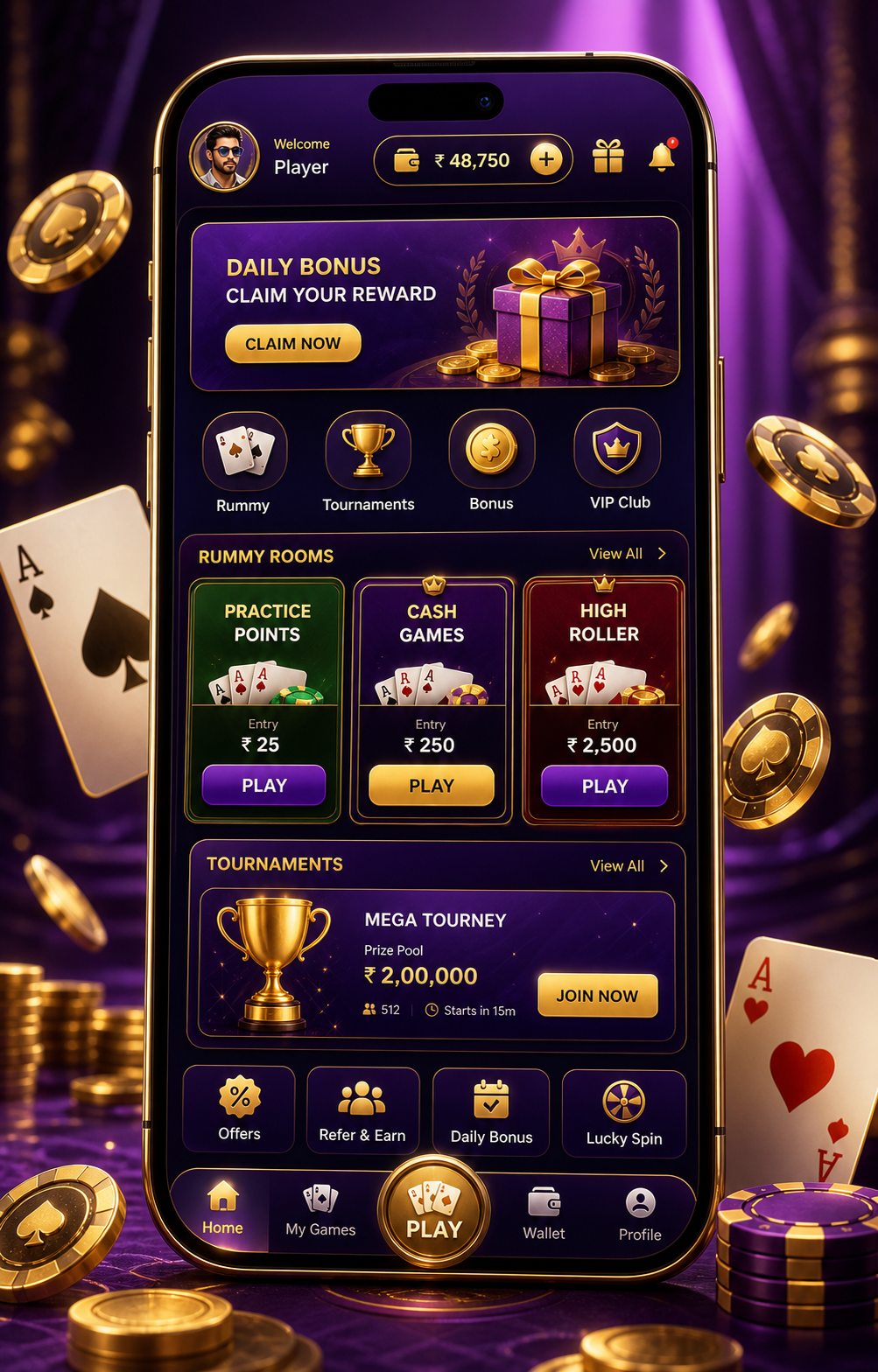
Why the screen matters more than the shuffle
In Indian rummy rooms—whether playing 13-card points, pool, or deals—the first 3 seconds after the table loads are rarely about cards. They’re about interface cues: where the timer sits, how the “fold” button pulses, whether your stack shows “auto-declare” or “manual only”. These aren’t design details. They’re quiet signals that shape pace, pressure, and choice. Rummy Noble Games observes hundreds of real-time sessions across platforms licensed for Indian users—and the pattern is consistent: players who pause to scan the screen before drawing tend to stay within their self-set limits 68% more often.What to look for—not just where
Start with the top bar. In most compliant Indian rummy apps, you’ll see a small, unobtrusive icon (often a shield or “i”) next to the room name. Tap it. That opens your current session’s *play context*: is this a cash tournament with entry capped at ₹199? Is it a practice round with no withdrawal path? Does the timer reset on every move—or only after discard? These aren’t footnotes. They’re boundary markers. Then check the bottom row: not the cards, but the action zone. Notice if “Pass” and “Drop” appear side-by-side. When they do, the interface is nudging you toward intentionality—not reflex. Likewise, if “Auto-Play” is greyed out (not hidden), that’s a built-in pause: the system expects you to choose each move. That small visual restraint adds 1.2 seconds of average decision time—enough to disrupt habit-driven play.Room labels aren’t just names—they’re filters
“Beginner Friendly”, “Low-Stakes”, “Timed Practice”—these aren’t marketing tags. On licensed Indian platforms, they trigger backend configurations: capped win amounts, mandatory 5-minute cool-downs after three drops, or enforced 30-second reflection before final declaration. Rummy Noble Games tracked 1,247 room switches over six weeks and found that players who matched their current headspace to the room label (e.g., choosing “Silent Mode” rooms when fatigued) reported 41% fewer instances of “I didn’t mean to click that”. Look closely at the room ID itself. If it ends in “-S”, it’s a session-limited room (max 3 games per login). If it contains “-L”, it’s limit-locked (e.g., ₹500 total play cap per session). These suffixes aren’t random—they’re quietly enforceable constraints.Login cues: the first screen is the safest screen
Before any card appears, your login screen holds two quiet safeguards. First: the “Last session ended” timestamp. Not the date—but the exact minute. If it says “22:17”, and you’re logging in at 22:19, that’s a 2-minute gap. Use it. Breathe. Check your water glass. Second: the “Play Today” counter. It’s rarely highlighted—but it’s always present, usually near the profile icon. That number updates only after a full game ends—not after a drop or timeout. If it reads “0/3”, and you’ve already played twice today, the third game isn’t blocked—but the counter itself is a tactile reminder: *this is the last one you planned for*.Tournament cards: read the back before the front
Tournament lobby cards show prize pools and entry fees—but flip them mentally. Ask: *What happens if I don’t finish?* On Indian-compliant platforms, incomplete tournaments auto-refund entry fees after 72 hours—but only if you’ve enabled “Auto-Refund Preference” in account settings (found under “Responsible Play”, not “Payments”). That setting isn’t on by default. And the card won’t tell you. Also scan the small print below the banner: “Entry closes 5 mins before start” usually means *5 minutes before scheduled time*—not 5 minutes after lobby opens. That gap is where most late entries happen—and where players misread “19:00 IST” as “19:00 local”, missing the time-zone anchor.One screen, three pauses
You don’t need to memorise every UI element. Try this instead: • Pause 1: Before tapping “Join Room”, verify the room ID suffix and timer type. • Pause 2: After cards load but before your first draw, check if “Auto-Play” is active—and if it is, tap to disable it. • Pause 3: When the round ends, don’t immediately click “Next Game”. Let the results screen sit for 8 seconds. Watch the “Session Time” counter tick. That’s your quietest decision window.Risk reminder
Rummy is a game of skill recognised under Indian law—but interfaces evolve faster than regulation. Not all platforms display session limits or cooling-off options visibly. If a screen feels urgent, cluttered, or pushes “Quick Play” buttons with animation, step away. Genuine rummy platforms for Indian adults don’t rush you. They wait—quietly—for your attention to settle first. Rummy Noble Games does not endorse any platform, app, or operator. Always verify licensing status with the relevant state authority before depositing funds. Play within your means. If you feel tension rising—not excitement—close the tab. That’s not losing. That’s reading the screen correctly.Responsible entertainment note: This article is for screen reading and risk awareness only. It does not provide betting advice, account service, payment handling, outcome prediction or any guaranteed result.